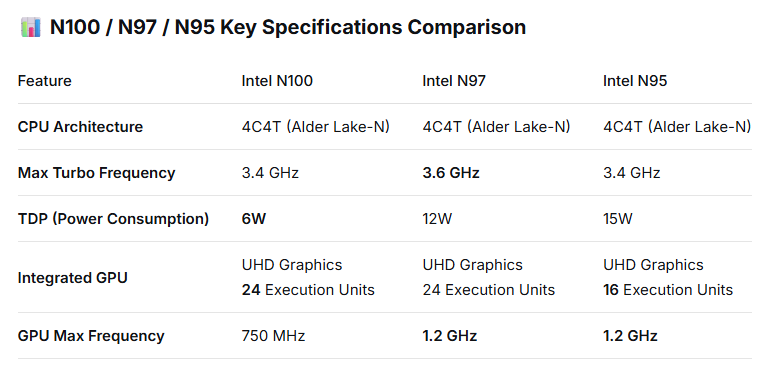
All three CPUs are built on the same Intel 7 process node and feature the Gracemont efficiency core architecture, which means their baseline multi-tasking capability is essentially identical. Performance differentiation primarily stems from variations in clock frequencies and power limits.
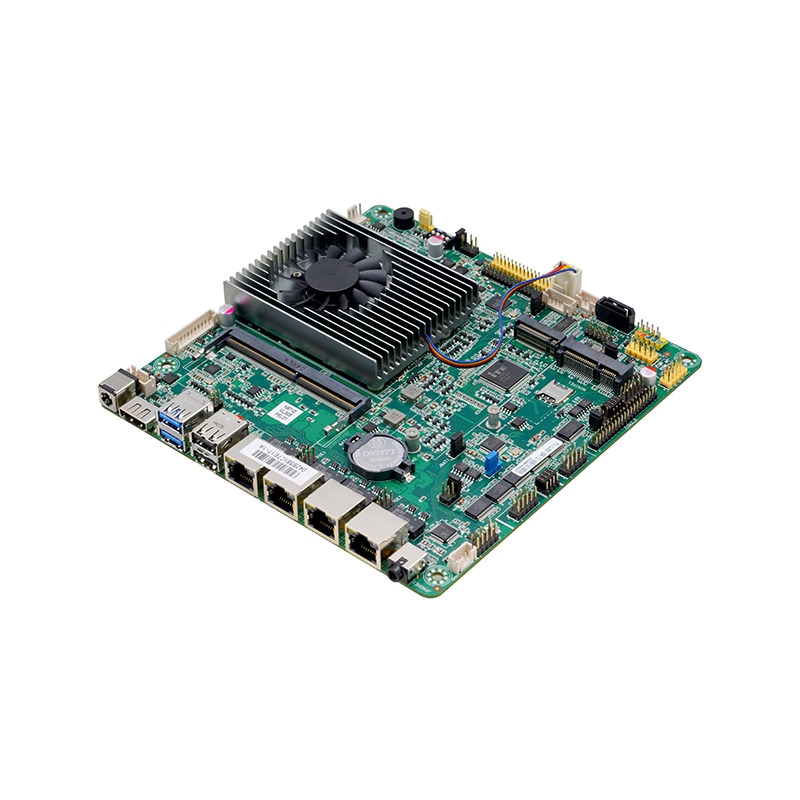
In industrial settings, CPU selection cannot be made in isolation — it must factor in the design characteristics of the industrial motherboard itself. You need to correlate power consumption, environmental adaptability, and I/O requirements with the CPU‘s inherent traits. Currently, most Alder Lake-N series industrial motherboards on the market explicitly list support for two or all three of these CPU options.
1. Define the Application Scenario and Match Core Requirements
●For ultra-low power consumption and 24/7 reliability (N100 recommended): If the project imposes stringent thermal and power constraints — such as in fanless embedded systems, portable industrial tablets, or controllers operating in enclosed spaces over extended periods — the N100 is the ideal choice. Its 6W low TDP greatly simplifies thermal design and enhances system reliability. Moreover, its full 24-EU iGPU provides a clear advantage in applications requiring high-resolution display driving or video decode capabilities, such as HMI (Human-Machine Interface) terminals.
●For higher compute performance and responsiveness (N97 recommended): If the industrial application involves data visualization, lightweight pre-processing for machine vision, or serving as an edge computing gateway for local data analysis and real-time response, the N97 delivers a smoother experience with its 3.6 GHz max turbo frequency and 1.2 GHz GPU clock. Its 12W TDP strikes an optimal balance between performance and power efficiency. Many industrial motherboards designed for factory automation and smart warehousing have adopted the N97 for precisely this reason.
●For extremely cost-sensitive projects with acceptable thermal constraints (N95 as an option): The N95 has a TDP of 15W — the highest among the three — which translates to greater heat dissipation and more demanding thermal design requirements. Its 16-EU GPU is also the weakest of the trio. Consequently, it is typically found only in entry-level products where cost is the overriding factor. If the project budget is highly constrained and the operating environment allows for adequate cooling, the N95 can be considered as a fallback option.
Beyond the CPU, it is the environmental robustness and functional I/O that truly define an industrial-grade motherboard. The following aspects are critical during the selection process:
●Wide Temperature Support: Verify that the motherboard‘s operating temperature range meets your deployment conditions. For example, some boards support -20°C to 70°C, while higher-spec models can reach -40°C to 85°C.
●Wide Voltage Input: Power fluctuations are common in industrial environments. Opting for a board that supports DC 9–36V wide-range input enhances system stability and resilience.
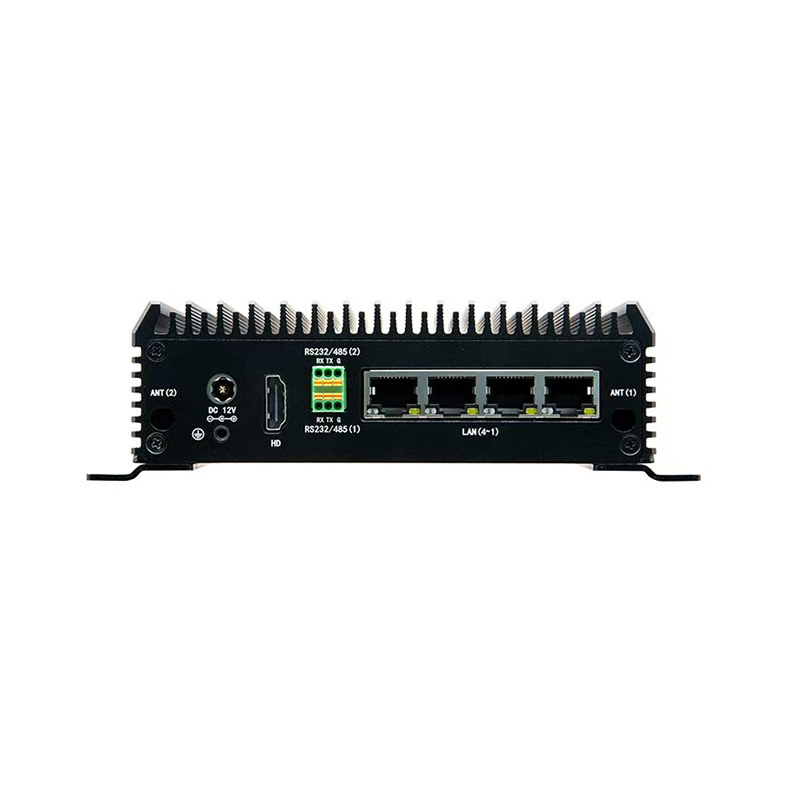
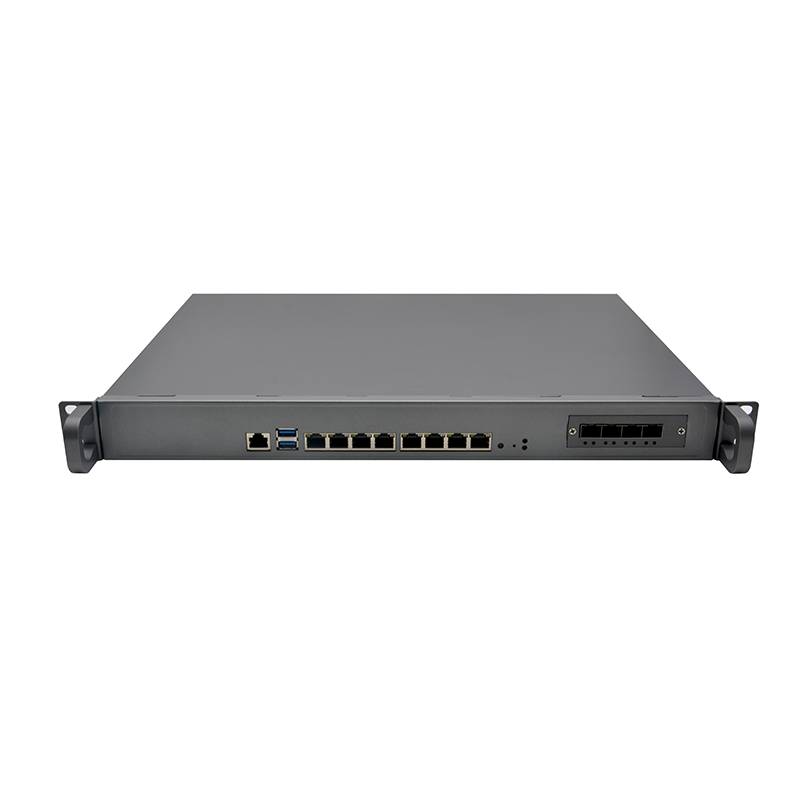
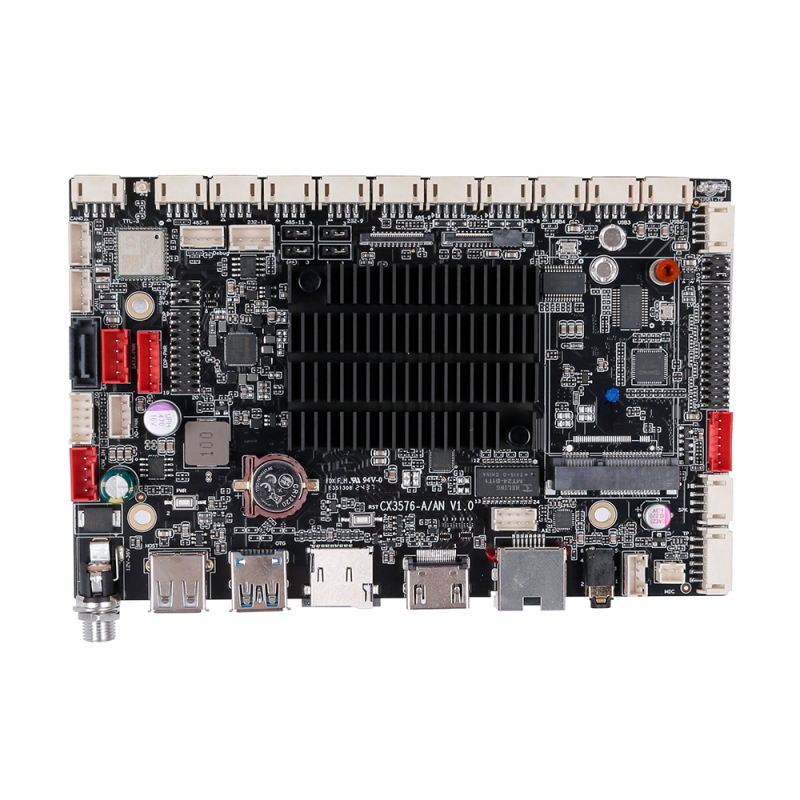
●I/O Richness: Based on peripheral requirements, examine the number of COM ports, USB ports, and Ethernet ports provided. For instance, certain boards are specifically designed for multi-device connectivity scenarios and offer up to 6 COM ports and 10 USB ports.
●Expansion Slots and Functionality: Confirm the availability of M.2 slots for WiFi/Bluetooth or 4G/5G module expansion, as well as support for industrial staples such as GPIO and watchdog timers.
Selection Summary
When choosing an industrial motherboard based on these CPUs:
1.Power and thermal management take top priority: If a fanless design or operation in confined spaces is required, the N100 is the definitive choice thanks to its 6W TDP.
2.Computational throughput is the primary driver: If data processing speed and responsiveness are critical, the N97 offers the best performance-per-watt ratio.
3.Budget constraints may warrant a compromise: Only consider the N95 when the budget is extremely tight and adequate thermal dissipation can be ensured.






 WhatsApp

 Teamas
